I am struggling with persisting data outside my container. If I don’t specify the PGDATA parameter, then the database starts, and everything works, except that I can’t persist data. If I use the PGDATA parameter then the PostgreSQL fails to start due to access permissions. There is full read/write access to the host data directory.
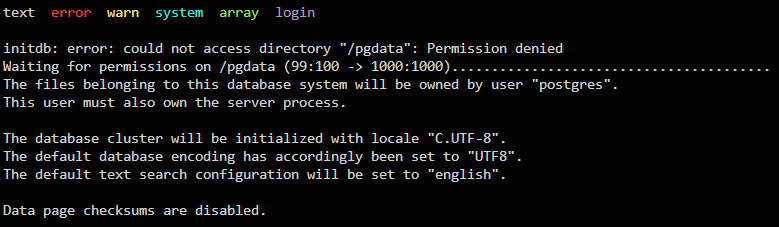
If I install the standard PostgreSQL image, then everything works. I would be grateful if somebody could have a look at my abbreviated docker run file and point me in the right direction.
docker run
  -d
  -e 'PGDATA'='/pgdata'
  -l net.unraid.docker.managed=dockerman
  -p '5433:5432/tcp'
  -v '/mnt/user/appdata/timescaledb':'/pgdata':'rw' 'timescale/timescaledb-ha:pg17'
Thanks